
Use the text tool
The text tool is used to place text on the canvas.
To enter text, select the text button in the toolbox and click anywhere on the canvas.
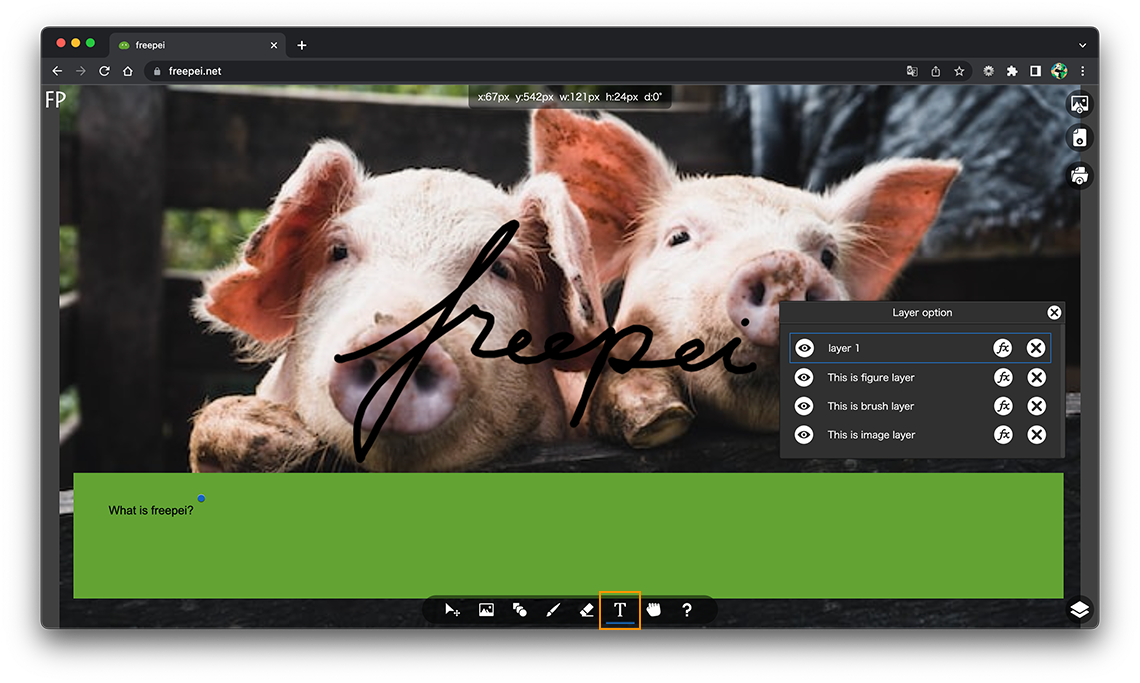
To display the font option dialog box, click the Info window with the text layer selected.
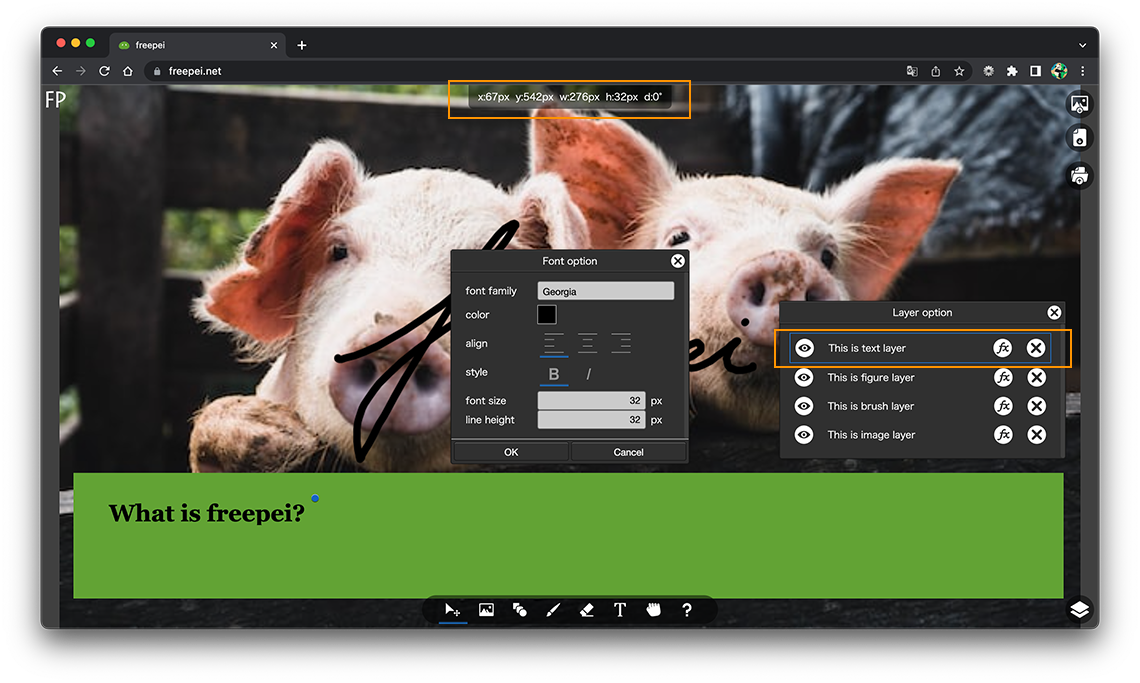
- font family:
-
Select the font family.
- color:
-
Select the font color.
- align:
-
Select the horizontal placement of the text.
- style:
-
Select the text style (bold / italic).
- font size:
-
Enter the font size.
- line height:
-
Enter the line height.