Load images
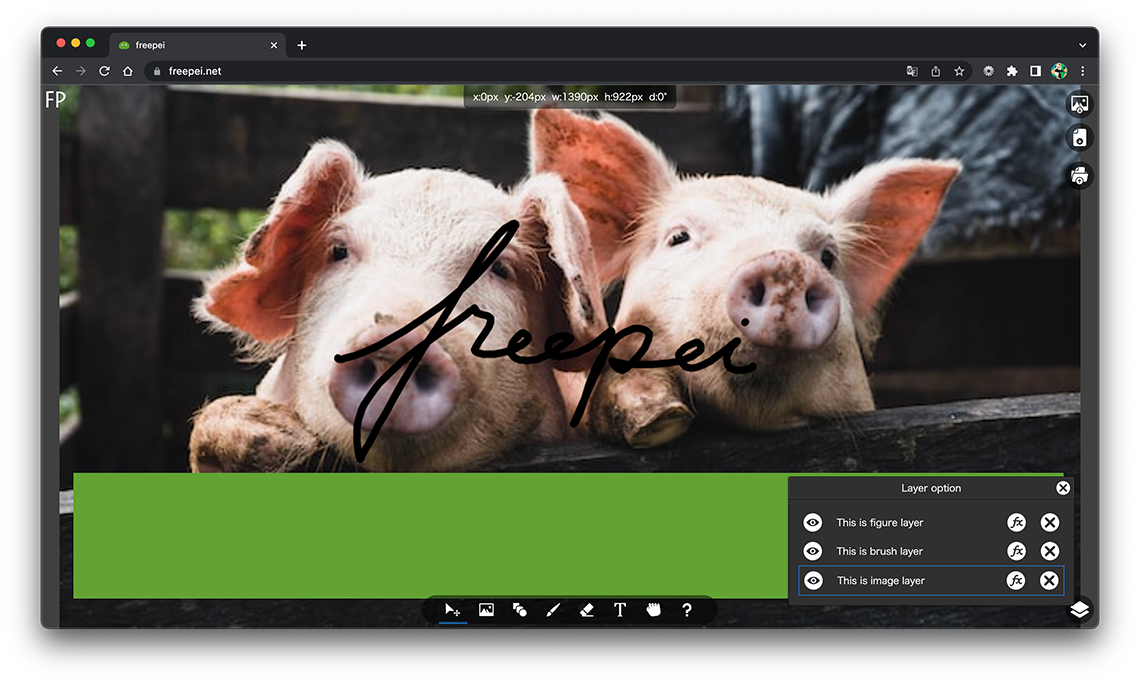
The image tool is used when placing an image on the canvas.
To place an image, click the image button in the toolbox and select an image from the file selection dialog box that appears.
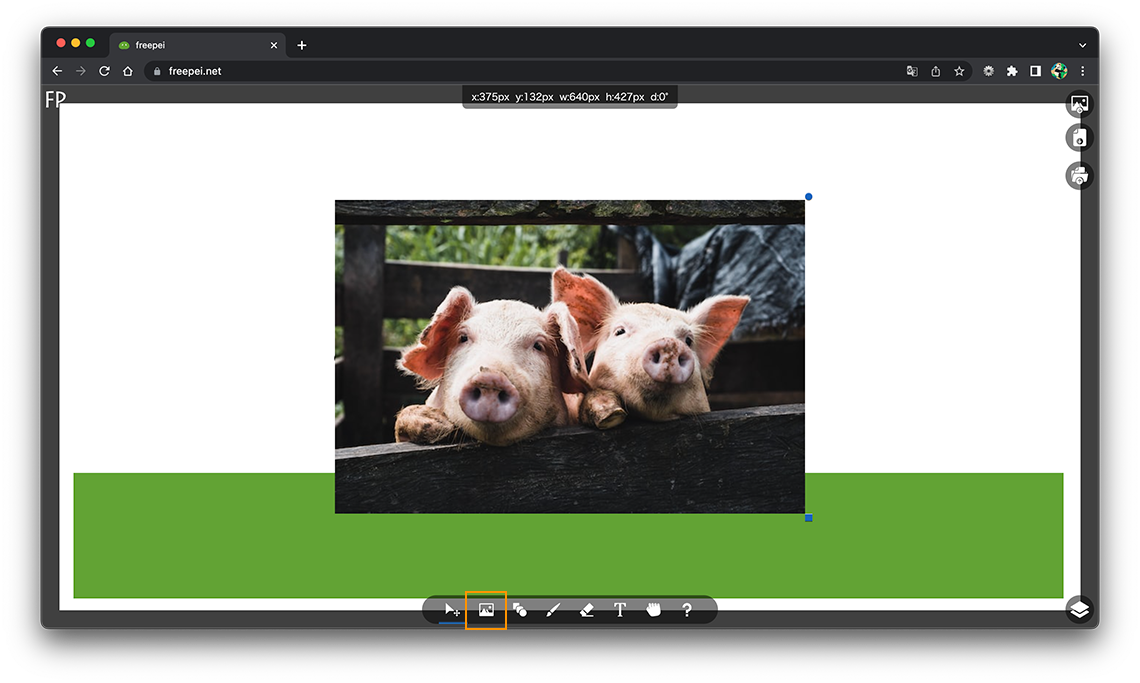
When the placed image is selected, the rotation handle is displayed in the upper right and the resize handle is displayed in the lower right, and you can move the location freely by dragging.